
HoloPhoneV8: Sci-Fi 3D Holographic Communicator in your IPhone.
No more boring 2D chats. Record and send holographic videos (HoloMovies) of yourself, or turn photos of everyday objects into custom 3D HoloEmojis to send to friends. By tracking your eye position, HoloPhoneV8 dynamically renders objects and texts to create a glasses-free 3D hologram experience.

HOLOPHONE™
by Pine3 Systems
WHAT IS HOLOPHONE™
HoloPhone is a new way to communicate.
Instead of flat video, you send a 3D hologram illusion that moves naturally as the viewer tilts their phone.
It feels closer to a person standing in front of you — not a video playing on a screen.
No special hardware.
Just a phone.
What is
HOLOMOVIE™
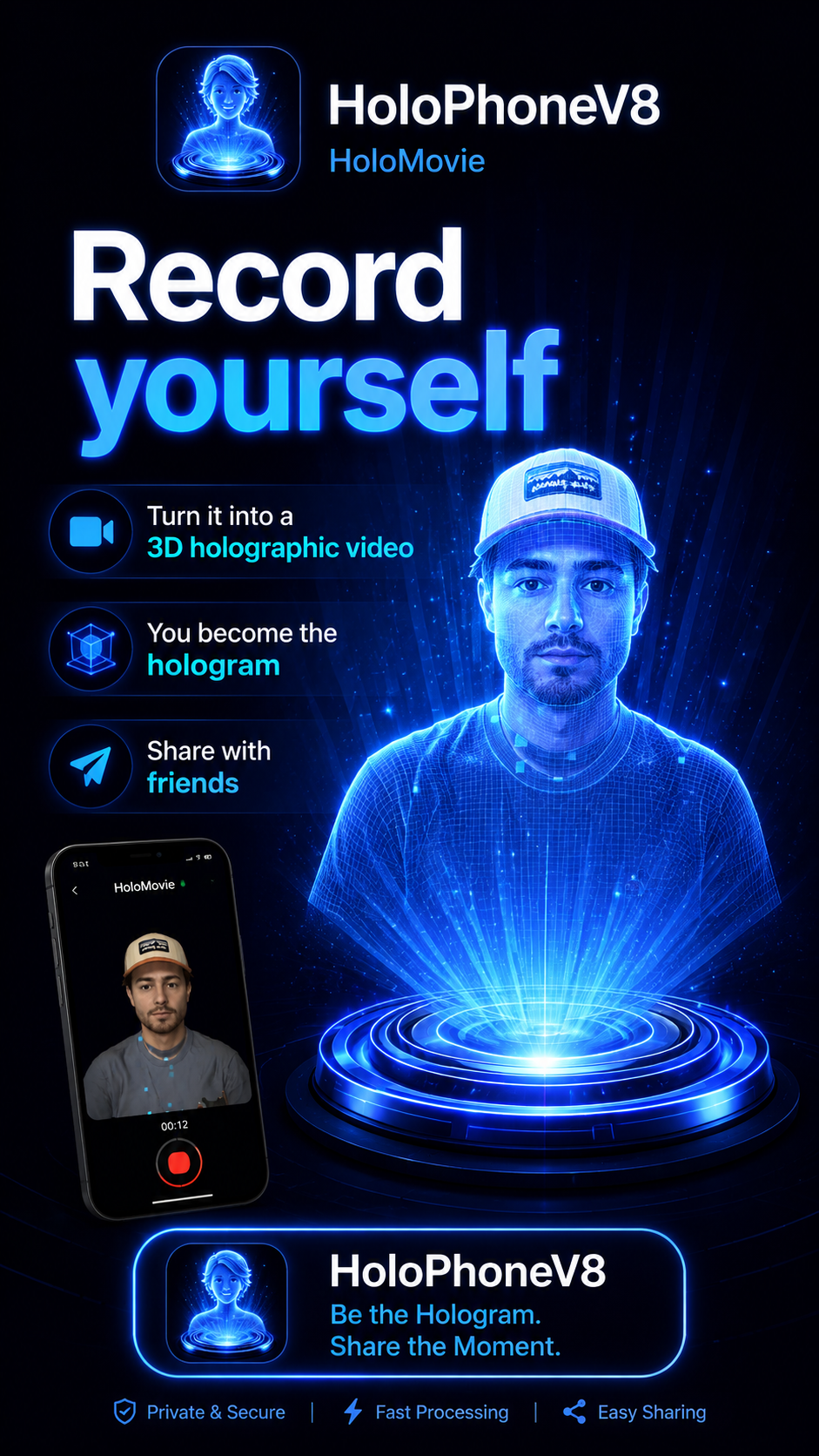
3D moments with characters, effects, and stories
HoloMovie lets you place your face into 3D scenes and characters, creating short animated hologram clips.
Face-driven 3D animation
Characters react naturally to your expressions
Fun, cinematic, and shareable
Optimized for mobile performance
This is not video editing.
It’s real-time 3D storytelling.
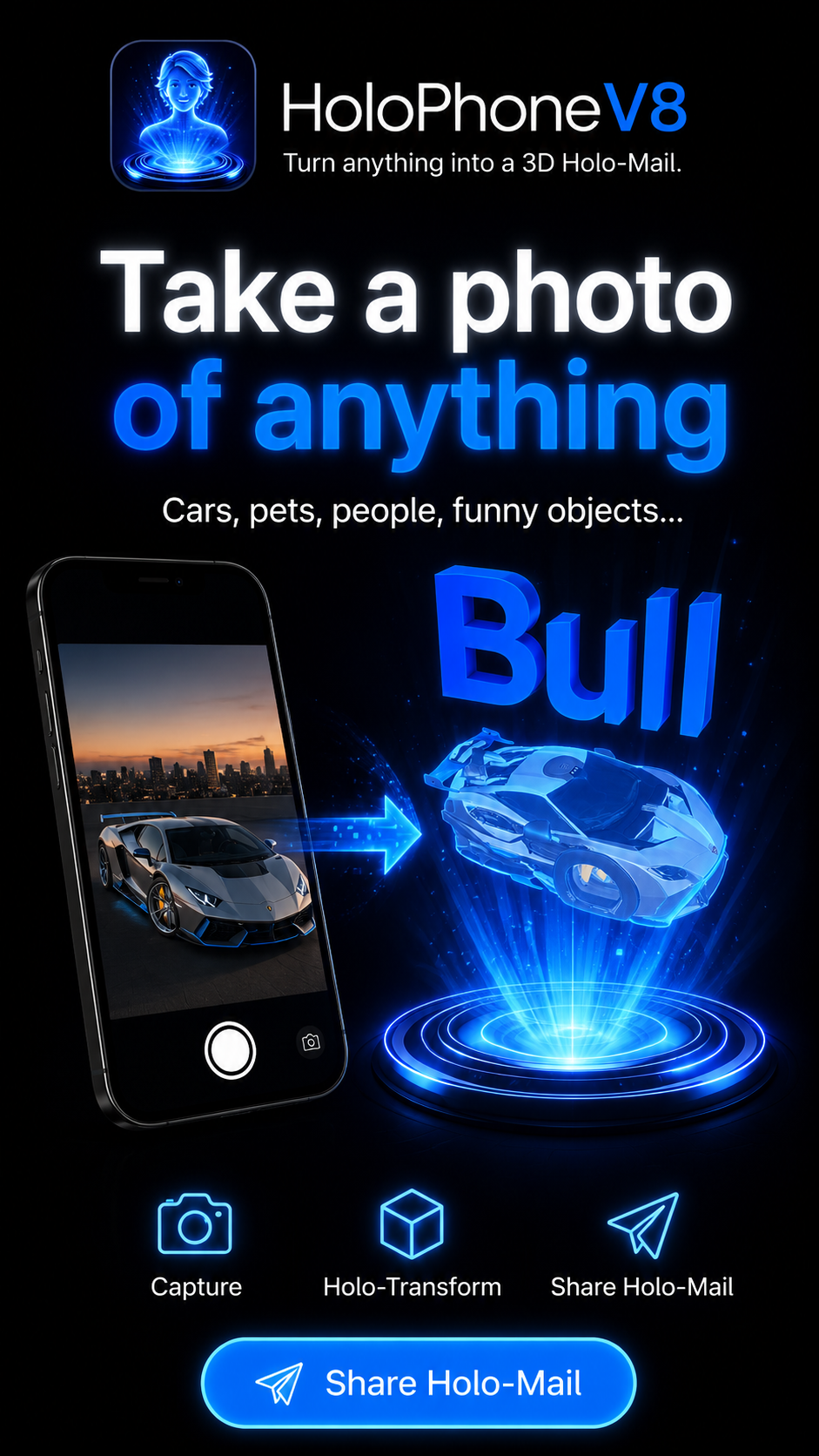
What Is a HoloMail™.
Take photo of any object and make it a 3D hologram.
Attach a text & send it instantly to anyone, anywhere
You can also use pre built HoloMojis.
THE TECHNOLOGY (Simple but Powerful)

Ultra-Light 3D Compression
We developed a custom compression pipeline that reduces 3D face animation to a fraction of the size of video.
That means:
Fast recording
Fast sending
Smooth playback
No overheating
No crashes
Hologram Illusion Rendering
Our rendering engine uses:
Real-time face geometry
Motion-based parallax
Intelligent lighting and shading
The result is a convincing 3D hologram illusion on a flat screen.
COMING NEXT

Watch sports games in 3D without VR glasses
Add any 3d object in a Holomail
Send professional 3d images for civil construction, architecture, mechanical engineering, biotech, medicine and others
Holographic maps for directions
Full HoloPhone Communication App Interface.
WHY HOLOPHONE IS DIFFERENT

Not a video app
Not AR gimmicks
Not filters
This is lightweight, expressive 3D communication.
Short.
Human.
Fun.
Instructions
How to Use the HoloPhone
HoloPhone brings a holographic experience to everyday messaging. The app uses eye-position tracking to simulate a 3D holographic effect on a regular 2D screen. As you move your face left, right, up, or down, the image shifts with you, letting you see different sides of the object as if it were floating in space.
HoloPhone currently has two main features: HoloMail and HoloMovie.
HoloMail
HoloMail lets you create and send short holographic messages with a fun 3D look.
With HoloMail, you can:
Choose a 3D emoji
Add a short text message
Change the color, size, and position of both the text and the emoji
Create playful, personal messages to share with friends
Some emojis are available for free. You can also create your own custom 3D emoji from a photo. For example, you can take a picture of your dog, a favorite object, or even a can of your favorite drink, and our AI can turn it into a 3D object. Then you can add text and send it as a unique holographic message.
Custom-created emojis may require a small payment, while selected built-in emojis remain free.
Once your HoloMail is ready, you can share it through social media and communication apps such as WhatsApp, Instagram, Facebook, or email. Your friends can open and enjoy the holographic effect by downloading the HoloPhone app, which is available for free.
HoloMovie
HoloMovie takes the experience even further. It allows you to record a message using your face, and the app creates a 3D animated face and bust that your friends can view with a holographic effect.
The result is a much more immersive message, making it feel as if you are there in person in 3D.
One of the most exciting features of HoloMovie is that you can create your face and bust once, at your best. For example, you can do it when you are well dressed, well groomed, and camera-ready. After that, even if you record a message on another day when you are not as prepared, HoloMovie can continue using your best 3D image so you always look your best.
HoloMovie also uses compression technology to help keep file sizes smaller and make sharing easier.
Previewing and Sharing
You can preview HoloMail directly inside the app.
For HoloMovie, the preview process is a little different. To preview it, you typically share it first to yourself through an app such as WhatsApp, then open it and review it before sending it to your friends.
After previewing, you can share your HoloMovie through supported communication and social media platforms.
Settings and Customization
Both HoloMail and HoloMovie include settings to help you adjust the experience.
HoloMail Settings
In HoloMail, settings let you customize:
Text size
Text color
Emoji size
Position of the text
Position of the emoji
HoloMovie Settings
In HoloMovie, settings are more technical and help fine-tune how the animated face connects to the 3D bust.
The system creates two separate elements:
A bust
A face, which changes as you talk
The app automatically tries to merge them, but sometimes small adjustments are helpful. Settings may allow you to:
Move the face slightly up or down
Move it forward or backward
Adjust scale
Apply filters for a better visual blend
This technology is still evolving, and while the results already look very impressive and unique, we are continuing to improve realism, alignment, and overall quality.
A New Kind of Messaging
HoloPhone offers a new way to communicate—more personal, more expressive, and more immersive than traditional text, photos, or video. Whether you are sending a funny 3D HoloMail or a lifelike HoloMovie, the goal is to make digital communication feel more real, creative, and memorable.
We are proud of what we have accomplished so far, and this is only the beginning. The technology will keep improving, and even more exciting features are on the way.
Stay with us as we continue building the future of holographic communication.
Contact us
Interested in working together? Fill out some info and we will be in touch shortly. We can’t wait to hear from you!
HOLOPHONE
Filters
No results found
No results match your search. Try removing a few filters.